 YORIMICHI PLAYLIST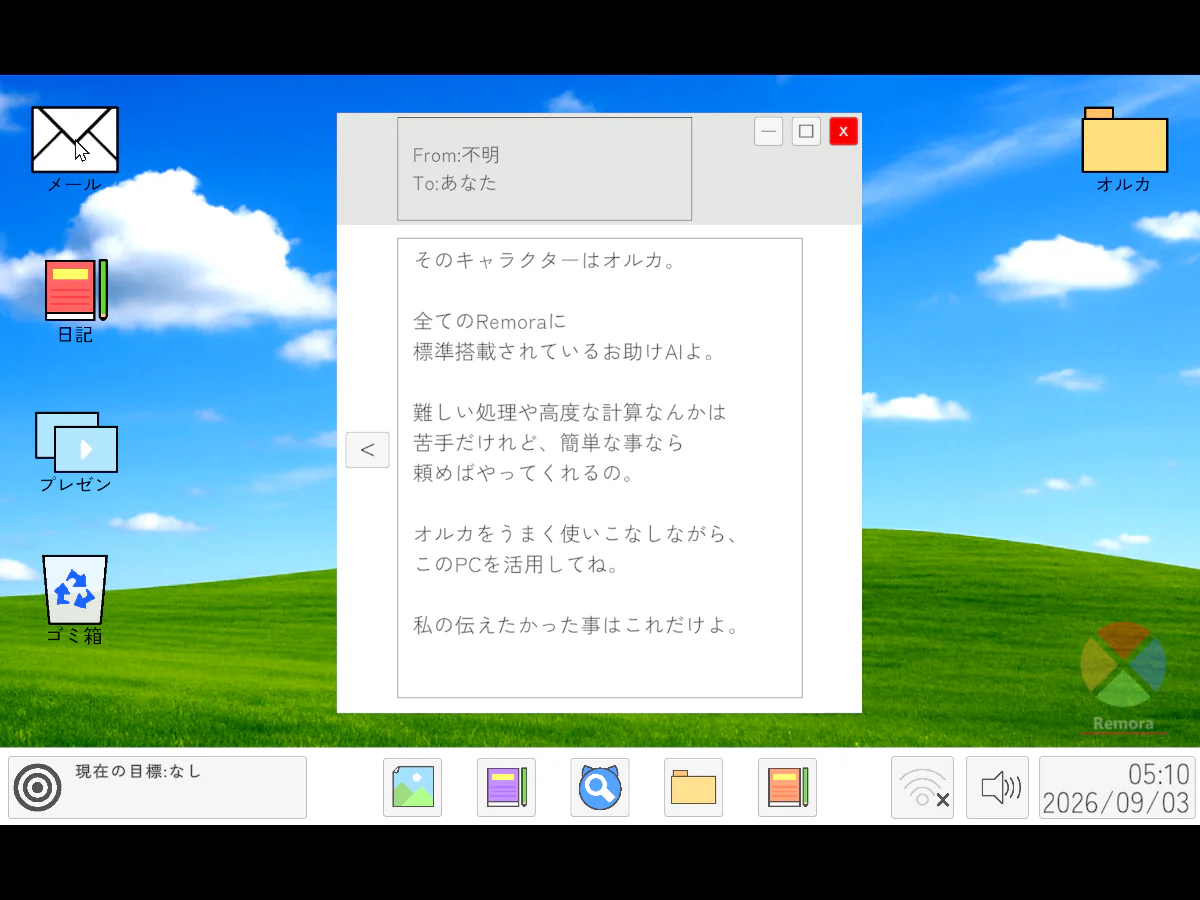
HOW TO PLAY
Controls and goals
- How to operate
- Operate the icons and windows with the mouse and enter the requested characters with the keyboard. Space displays or skips lines all at once, and left Ctrl closes the open window.
- Goal
- Explore the fictional OS Remora and uncover the reason for the development of AI Orca, the incident that occurred, and the reason why the development company went out of business.
ABOUT THE GAME
Computer operations are
It's just a search.
``O.R.U.K.A. AI'' is set on a fictional desktop reminiscent of a 2000s computer. Open icons and windows with your mouse and follow clues written in emails and documents.
READ THE MESSAGE
From the email you received,
Learn about the role of orcas.
This is a scene where an email window is opened on the desktop. The text from an unknown sender explains that Orca is an AI that helps with simple tasks.
Actual play photography: Detour Playlist Editorial Department/Production: Lovesame
Solving puzzles to investigate emails and files
The desktop has icons for email, diary, presentation, etc. Read the clues written in the text, open the specified file, or enter the secret word on the keyboard to proceed.
Meet the helpful AI orca
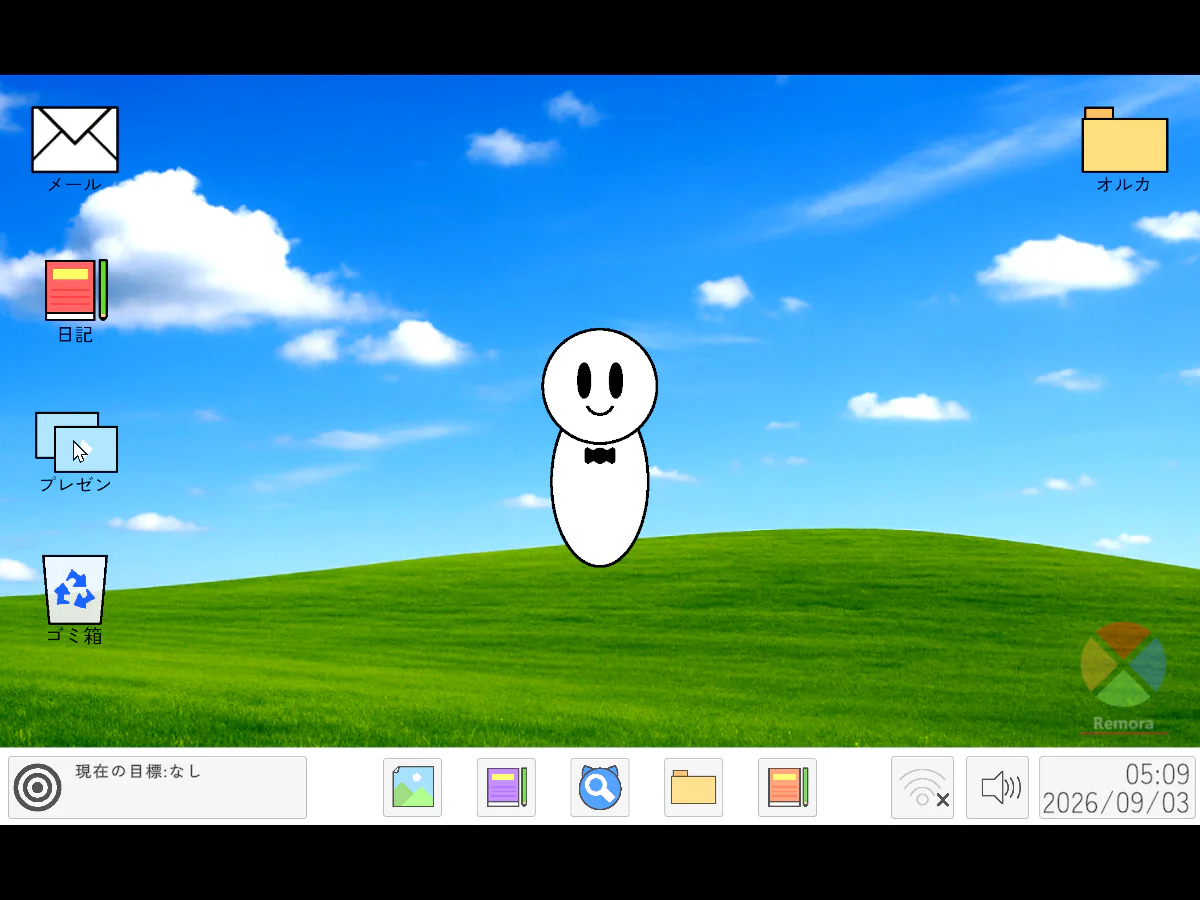
The computer is equipped with an AI Orca in the form of a white mascot. The mystery of the story is why she was developed and what kind of incident she caused.
Explore the past of the development company
Remora was developed by Vibrant Dynamics, a company in the works. We will unravel the reason for the company's closure and the events surrounding Orca while looking inside the OS.
PLAY NOTES
Play notes
- Required time/save
- The author's estimated time is over 2 hours, and progress will be auto-saved. You can play for free on your computer browser.
- Language
- The names of notes, emails, materials, and icons are in Japanese. Although there are English characters in the title and OS name, reading and understanding English is not necessary to understand the story and progression.
- How to proceed in the beginning
- Log in in-game, enter the desktop, and open the email containing the notification. Please check the files and input contents indicated in the text and follow the instructions to investigate.
- Precautions before playing
- Contains fear-mongering, jump scares, references to murders and fatal accidents, and abusive language. Some puzzles require listening to sounds. The author recommends playing in full screen or in a separate tab, and suggests switching to alphanumeric input on macOS.
From one email,
Let's trace the past of computers.
On September 3, 2026, we confirmed the author's unityroom work page, official web version, and live commentary policy. The two published images were taken by the editorial department on the official web version. Sources: O.R.U.K.A. AI — Author's unityroom work page, unityroom game commentary policy
STREAMING INFO
Streaming and video uploads
The work page applies the unityroom live commentary policy, and distribution, video posting, and monetization are possible. Please display the title, author name, and work URL in a way that is easily understood by viewers. Content that violates public order and morals, political or religious claims, hate speech, and slander are prohibited. It can be used by both individuals and corporations, and there is no need to contact the author beforehand or afterward.
READER COMMENTS
Comments on O.R.U.K.A. AI
Share your thoughts after playing, or tell other readers what you recommend about the game.
All language editions share these comments. Comments are shown in their original language.
Loading comments…