 YORIMICHI PLAYLIST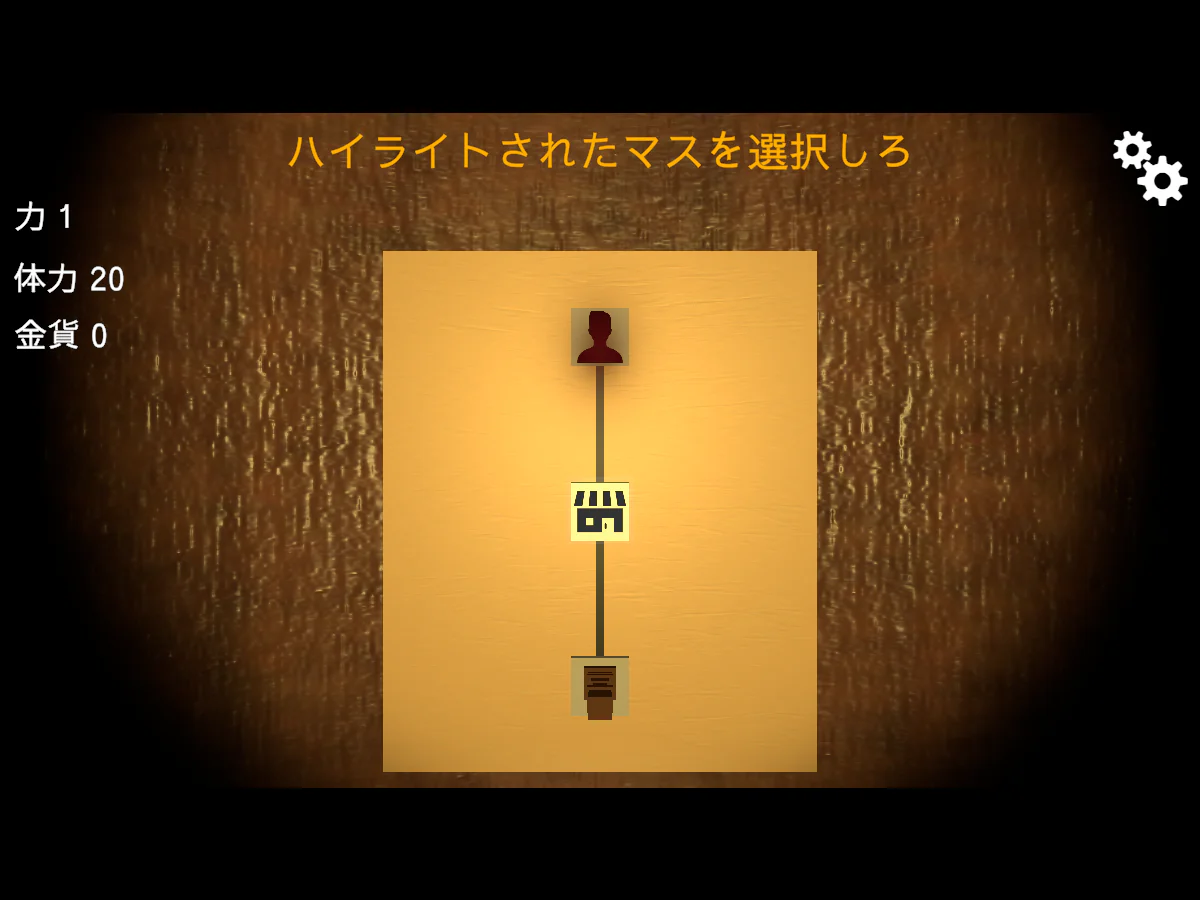
HOW TO PLAY
Controls and goals
- How to operate
- Click to select squares and items. In battle, select a card, check its effect, and use it by dragging it up and releasing it according to the on-screen instructions. When you finish your action, choose End Turn on the right.
- Goal
- Aim to reach the ending through card battles and choices along the way. First, read the Japanese tutorial at the top and learn how to select the glowing squares.
ABOUT THE GAME
To move forward on the road,
Card in hand.
The board on the table is lined with squares that indicate where you should go. The game consists of moving pieces into battle, and choosing actions while looking at card effects and remaining costs. Conversation instructions will appear at the top of the screen.
ON THE BOARD
Select the glowing square,
Move the piece forward.
In the early tutorial, move the pieces by clicking on the highlighted squares. Outside of battle, you will have a vantage point looking out over the board, allowing you to check your path and the strength, health, and gold coins on the left side.
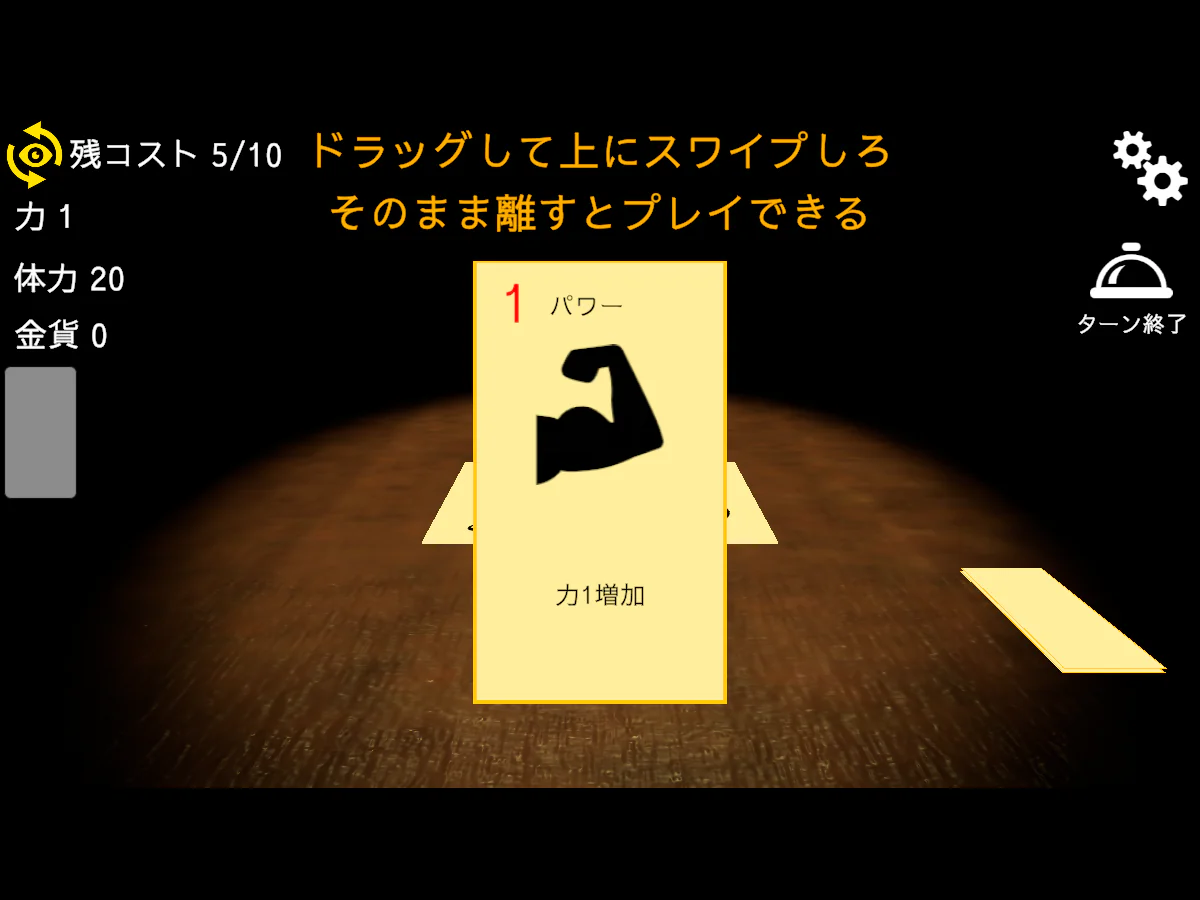
Actual play photography: Detour Playlist Editorial Department/Production: Konbu Tori
Read, choose, put up
Select a card to enlarge its effect. The tutorial will guide you on how to use it by dragging it up and releasing it, and the remaining cost will be shown at the top left of the screen.
Orbit with items
According to the official guide, the items you have at the start and the items you get after fighting the boss are random. In addition to cards, the items you can obtain also form part of the cycle.
An ending beyond the choice
The official explanation is that there is only one ending, and that you can reach it by making choices. Aim for the destination while progressing through the board and repeating card battles.
PLAY NOTES
Play notes
- Save
- In addition to manual saves, you can also save automatically after fighting enemies. If you save during a battle, your progress will be recorded as before the battle.
- Separation of laps
- Save data will be reset after the ending or defeat in battle. Scores are cumulative and can be submitted from the settings tab.
- Terminal
- The author recommends playing on PC. The text and images are intended for the PC browser version.
Read the meaning of the card,
Proceed to the next square.
On September 22, 2026, we confirmed the author's official unityroom work page, related official materials, and official web version. The two published images were taken by the editorial department on the official web version. Sources: IN MY SHELTER Roguelike card game — Author official unityroom, unityroom live commentary policy
STREAMING INFO
Streaming and video uploads
The work page applies the unityroom live commentary policy. Live commentary, video posting, and monetization are possible as long as the name of the work, the name of the poster "Konbu Tori", and the URL of the work are displayed in a way that can be understood by the recipient, and that content that violates public order and morals, political or religious claims, hate speech, or slander is avoided. Please also check the latest official information.
READER COMMENTS
Comments on IN MY SHELTER ローグライクカードゲーム
Share your thoughts after playing, or tell other readers what you recommend about the game.
All language editions share these comments. Comments are shown in their original language.
Loading comments…