 YORIMICHI PLAYLIST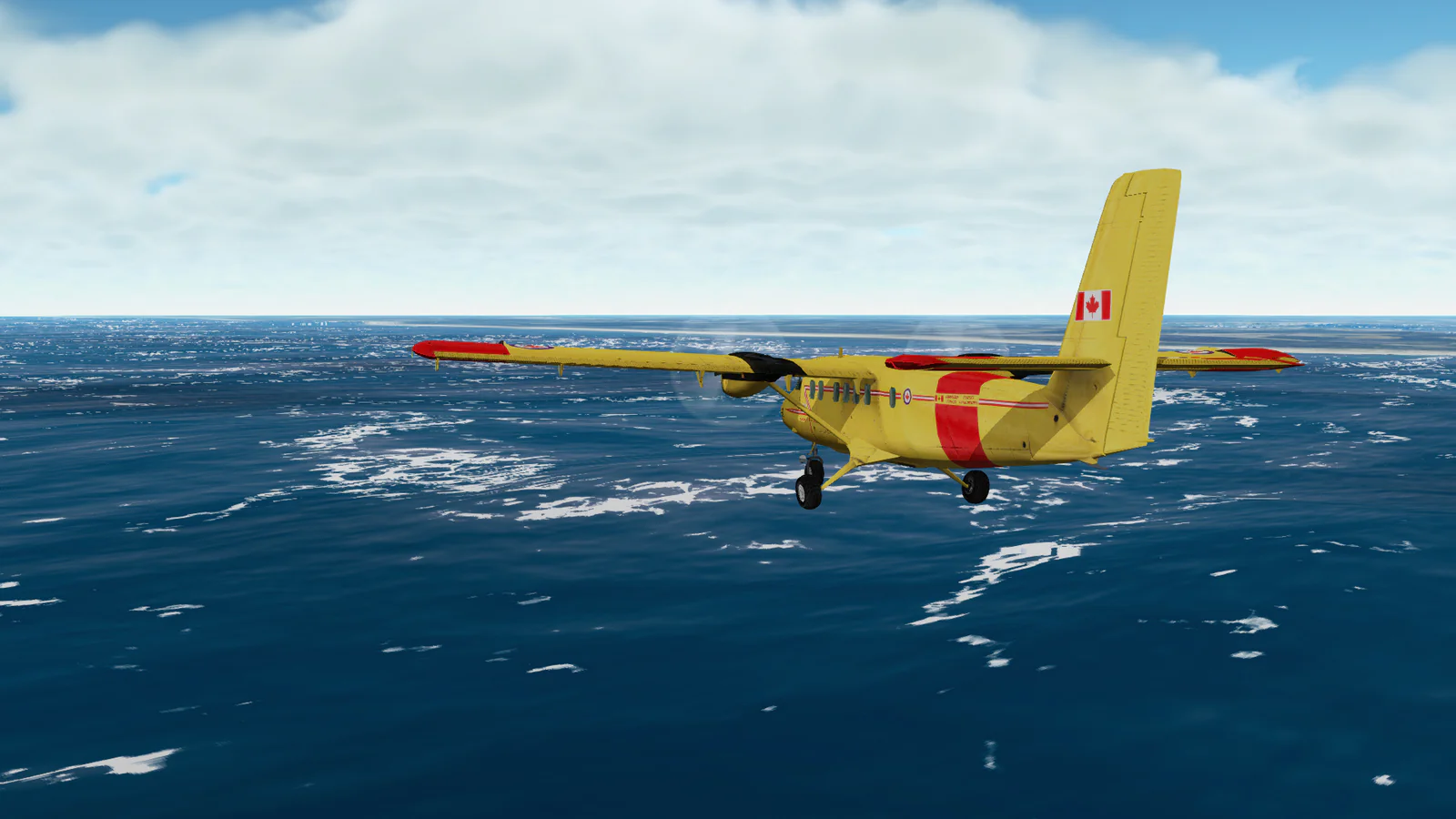
HOW TO PLAY
Controls and goals
- How to operate
- In the initial settings, use the mouse to control the posture, and use +/- to adjust the throttle. 9 for maximum throttle, Space for brake, C for camera switching. If you switch to keyboard control with K, you can adjust the attitude with the arrow keys, and return the control input to the center with Enter.
- Goal
- Decide the flight section and practice content yourself. First, press FLY and select the aircraft and departure point. After gaining speed, raise the nose gently and practice taking off while checking the instruments.
ABOUT THE GAME
A destination that you decide for yourself.
The sky moves along with instruments.
Select an aircraft from small to large, and fly to departure points in various locations. You can combine maneuvering to adjust the attitude and speed of the aircraft with sightseeing overlooking the ground surface in satellite images.
AIRCRAFT AND VIEWS
The difference between the aircraft,
View from outside.
In the official distribution image, a twin-engine DHC6 Twin Otter is flying over the sea. In addition to the view from the cockpit, there are also cameras that view the surrounding space from outside the aircraft.
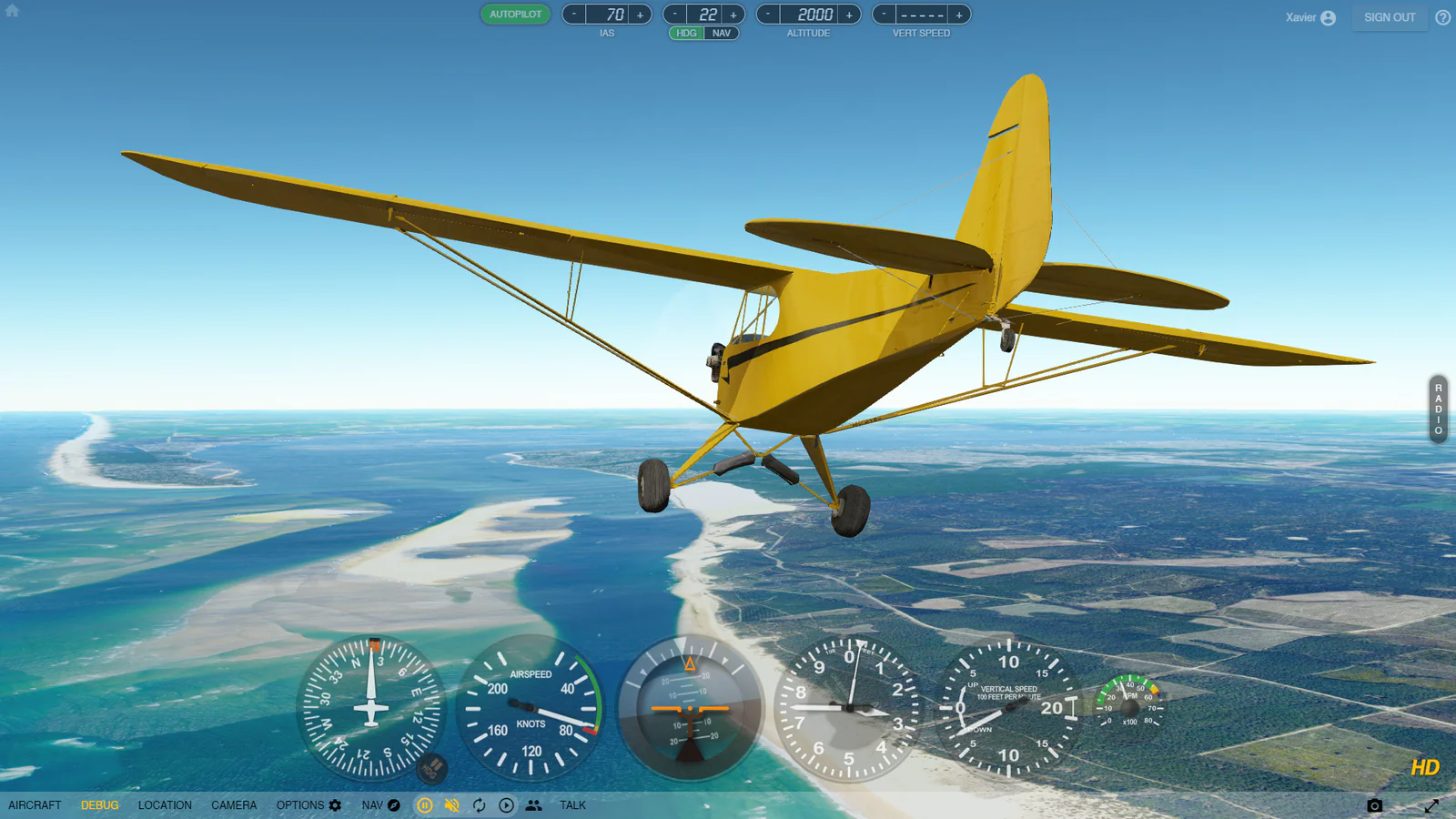
Image: GeoFS official distribution material / CC BY 4.0 (reduction/format conversion). Aircraft DHC6 Twin Otter: Eric Dantes / Copyright France VFR. For sources and licenses, see Official Media/CC BY 4.0 below.
Select the aircraft to pilot
The Aircraft menu includes Piper Cub, Cessna 172, and passenger planes. Select an aircraft and learn its operations while looking at its speed and attitude.
Search for starting points around the world
The Location menu has suggestions such as runways and local scenery. The official guide also explains how to choose a flight location from the map.
Change your perspective and watch the flight
You can switch to a perspective that follows the aircraft, a cockpit view, a cockpit view that does not display the aircraft, etc. Changing the camera will also change the way you see the positional relationship between the aircraft and the ground.
PLAY NOTES
Play notes
- English information
- Operating instructions, instruments and settings are in English. Aircraft is the aircraft, Location is the location, and Camera is the viewpoint. Throttle is the throttle and Altitude is the altitude.
- Free range and images
- You can start flying without an account. Sentinel-2's standard geographic images and AI-enhanced SR geographic images are currently free of charge. Microsoft Bing's HD geographic images are available for a separate fee, and the officially distributed images listed include HD display, so the definition of the ground surface is different from the free version.
- Pause and Redo
- Press P to pause and R to reset flight. You can pause before reading the operating settings.
- Operating environment
- A browser that supports WebGL 2.0 is required. The official guide explains how to lower the Graphics settings when drawing is heavy.
Select the aircraft and departure point,
Begin your first flight.
On September 22, 2026, we confirmed the GeoFS official introduction, operating instructions, Media, credits, and official web version. The two images posted are materials distributed on the GeoFS official Media page. Sources: GeoFS — Author's official website, GeoFS official introduction, GeoFS official operation explanation, GeoFS Official Media/Image License, GeoFS official credits, GeoFS Terms of Use, CC BY 4.0
STREAMING INFO
Streaming and video uploads
We were unable to confirm comprehensive permission for official commentary, video posting, and monetization. CC BY 4.0 on the official Media page is a condition shown in the distributed images and videos on the same page, and must be confirmed separately from the permission for the overall game commentary. Please check the latest information on GeoFS before using.
“Unconfirmed” does not mean streaming is prohibited. We have not confirmed an official policy for the general public.
READER COMMENTS
Comments on GeoFS
Share your thoughts after playing, or tell other readers what you recommend about the game.
All language editions share these comments. Comments are shown in their original language.
Loading comments…