 YORIMICHI PLAYLIST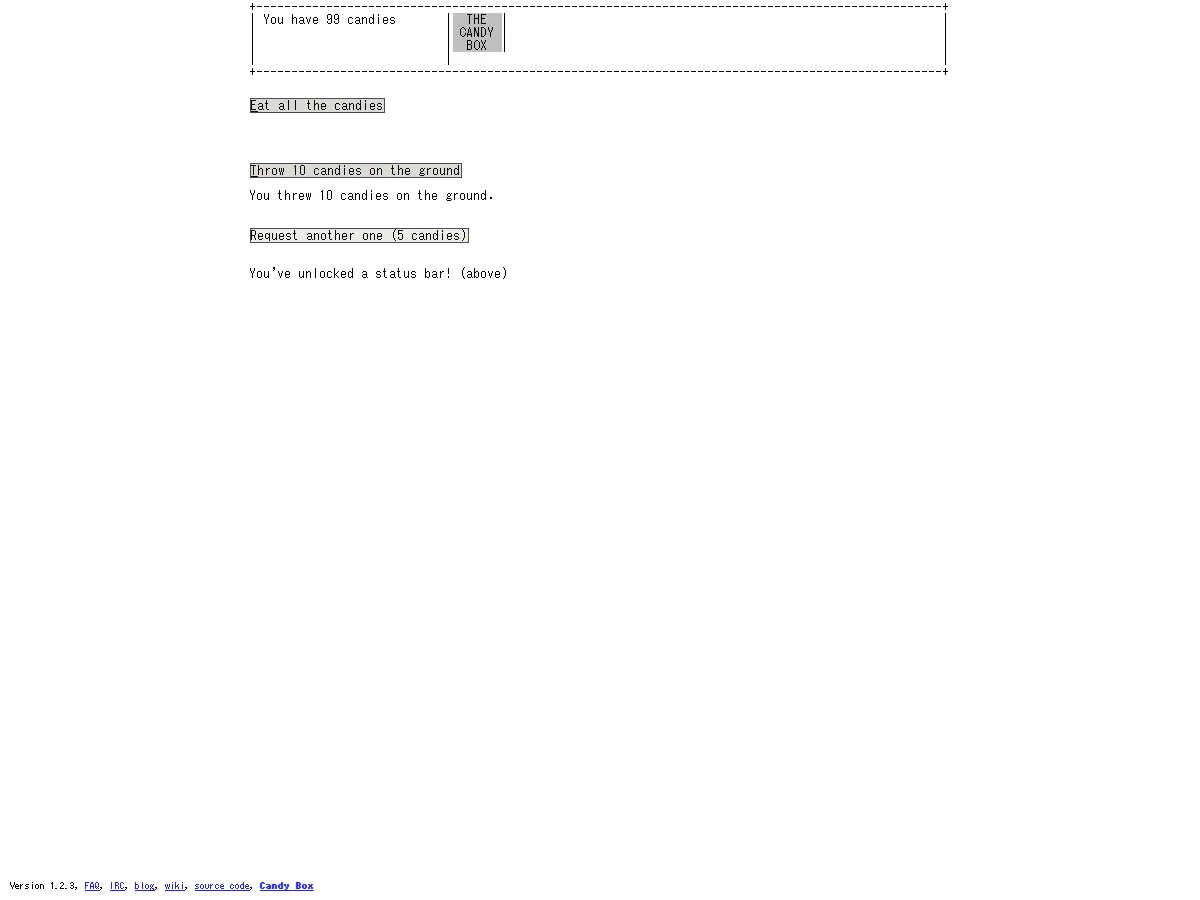
HOW TO PLAY
Controls and goals
- How to operate
- Click the button on the screen. Once you have enough candy, try Eat all the candies, Throw 10 candies on the ground, and feature requests.
- Goal
- Collect candy to unlock new tabs and features and advance to shops, equipment, quests, alchemy, and maps.
ABOUT THE GAME
At first, only numbers,
It will eventually become a world.
The entrance to "Candy Box 2" is just the number of candies you have and two buttons. As you eat the candies you collect or throw them on the ground, new features and tabs will gradually appear.
SPEND TO DISCOVER
As many as you consume,
You can see the next way to play.
Click the button on the screen to spend candy and accumulate a certain number of candies to release a feature request to the developer. If you continue to consume it, the status bar and settings tab will open, allowing you to proceed to ASCII shops and quests.
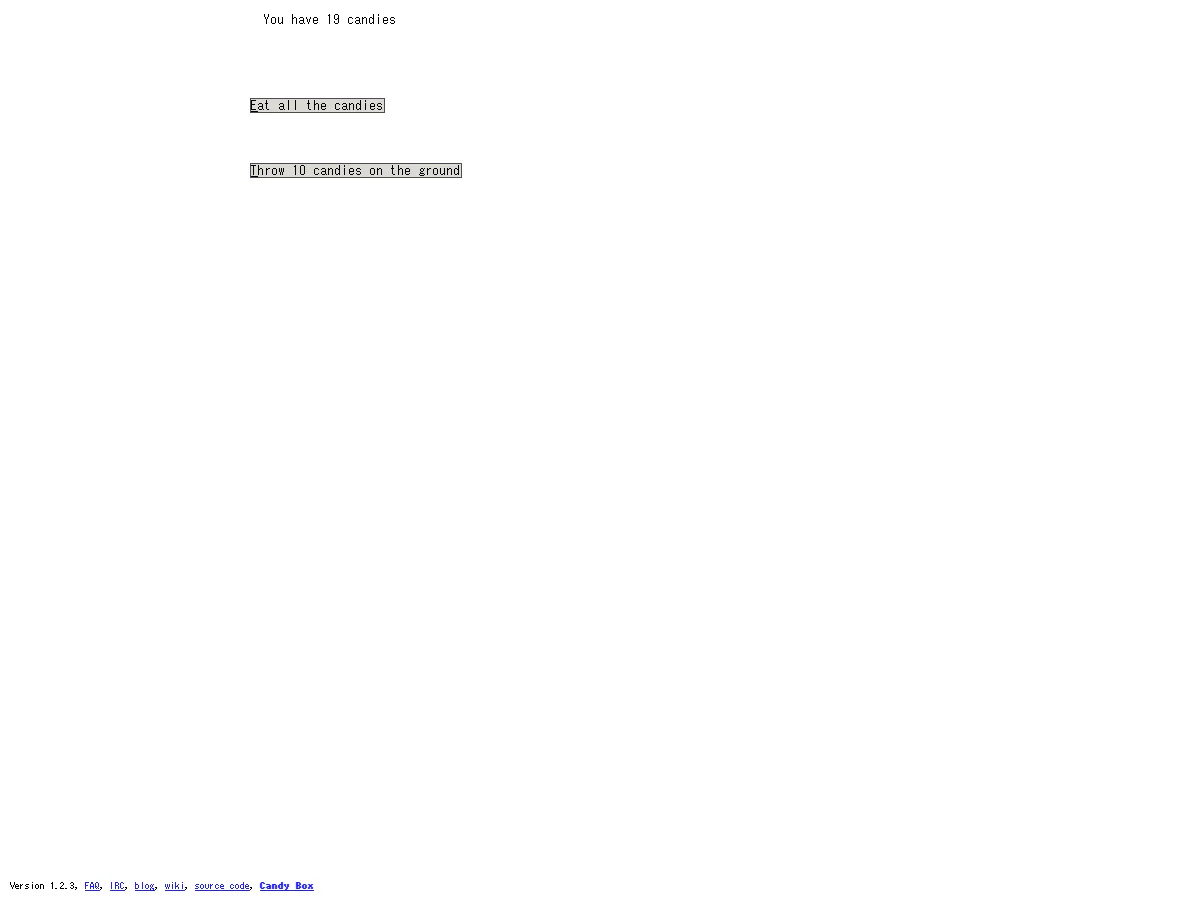
Actual play photography: Detour Playlist Editorial Department/Production: aniwey
The fun of waiting for the numbers to increase
Candy increases over time, and waiting itself creates the next option. You can decide at your own pace whether you want to eat it, throw it, or save it to open new buttons.
Free up tabs and features with consumption
When you use a certain number of candies, a status bar and settings tab will appear, and the amount of information on the screen will increase. The initial white page turns into a small testing ground to discover how to play.
Expands to shops, quests, and alchemy
When the adventure begins, there will be shops to prepare equipment, quests to choose the destination, alchemy to mix materials, maps, puzzles, etc. It's a long detour to use numbers as a resource and find the next mechanism.
PLAY NOTES
Play notes
- Required time
- The beginning is a long-term game in which you progress with waiting time and try out the unlocked functions in order.
- Language
- In-game operation names, function descriptions, and quests are in English. We have determined that English is required in order to read the changes and purpose of the screen.
- How to proceed in the beginning
- First, wait for the number of candies to increase and confirm the operation of throwing 10 candies to the ground. A feature request that uses 30 pieces, and an operation that uses 5 more pieces will free up the status bar and settings tab.
- Fees/Support environment
- You can play the HTML5 version of the aniwey official website for free on your computer browser. The official page shows Version 1.2.3
Save the numbers,
Open the next tab.
We checked the aniwey official website and the game itself on September 3, 2026. The two published images were taken by the editorial department using the official game itself. Sources: Candy Box 2 — aniwey official website
STREAMING INFO
Streaming and video uploads
We were unable to confirm individual instructions for distribution, video posting, and monetization on the official website. Please check the latest information and rights notice on the official website before publishing.
“Unconfirmed” does not mean streaming is prohibited. We have not confirmed an official policy for the general public.
READER COMMENTS
Comments on Candy Box 2
Share your thoughts after playing, or tell other readers what you recommend about the game.
All language editions share these comments. Comments are shown in their original language.
Loading comments…