 YORIMICHI PLAYLIST
GAME FEATURE · 281
Hop! 2D To the rhythm of a bounce,
a nudge left or right.
Hop never stops jumping. Move left and right to clear gaps and steps, aiming to rescue a loved one. Adjust sideways momentum and landing points as you advance through multiple worlds.
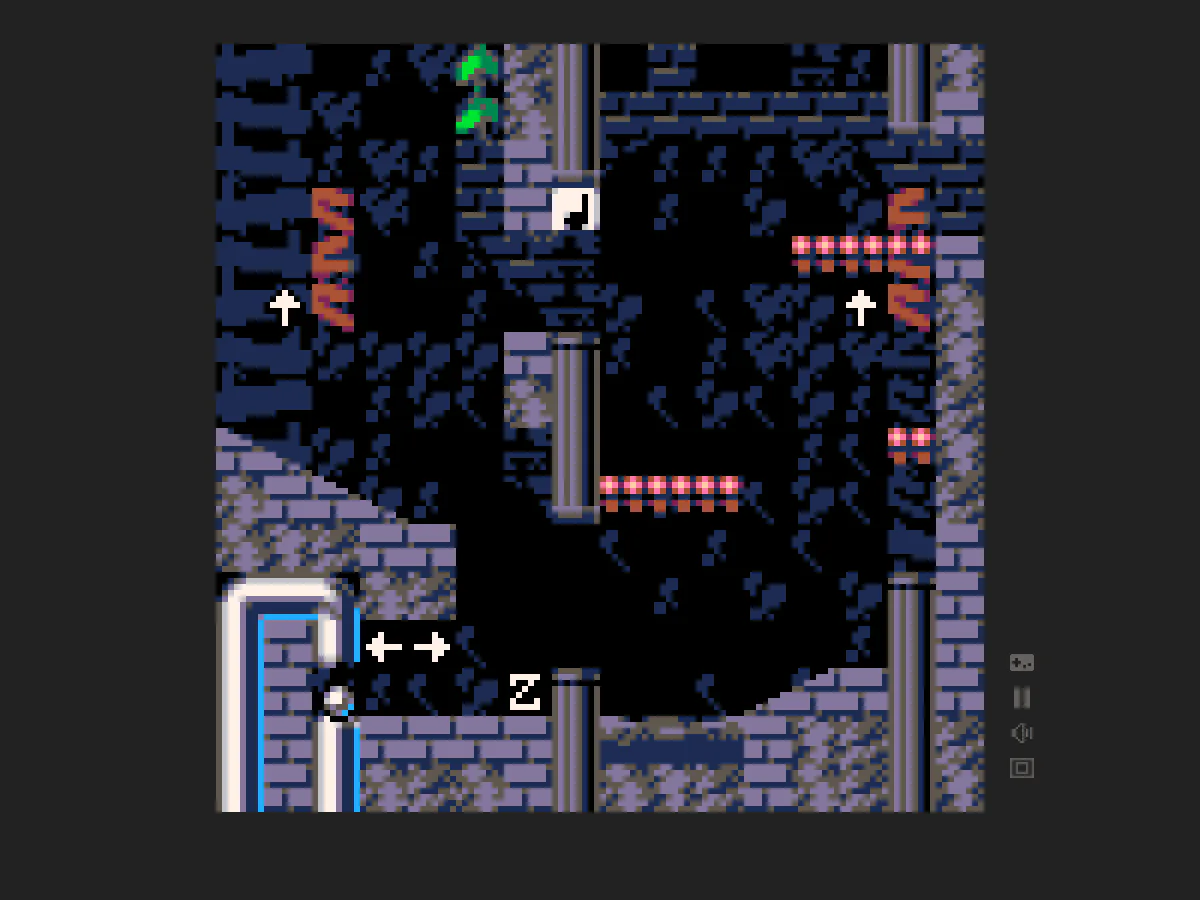
Gameplay capture: Yorimichi Playlist editorial team / Created by Asthalis
HOW TO PLAY
Controls and goals
- Controls
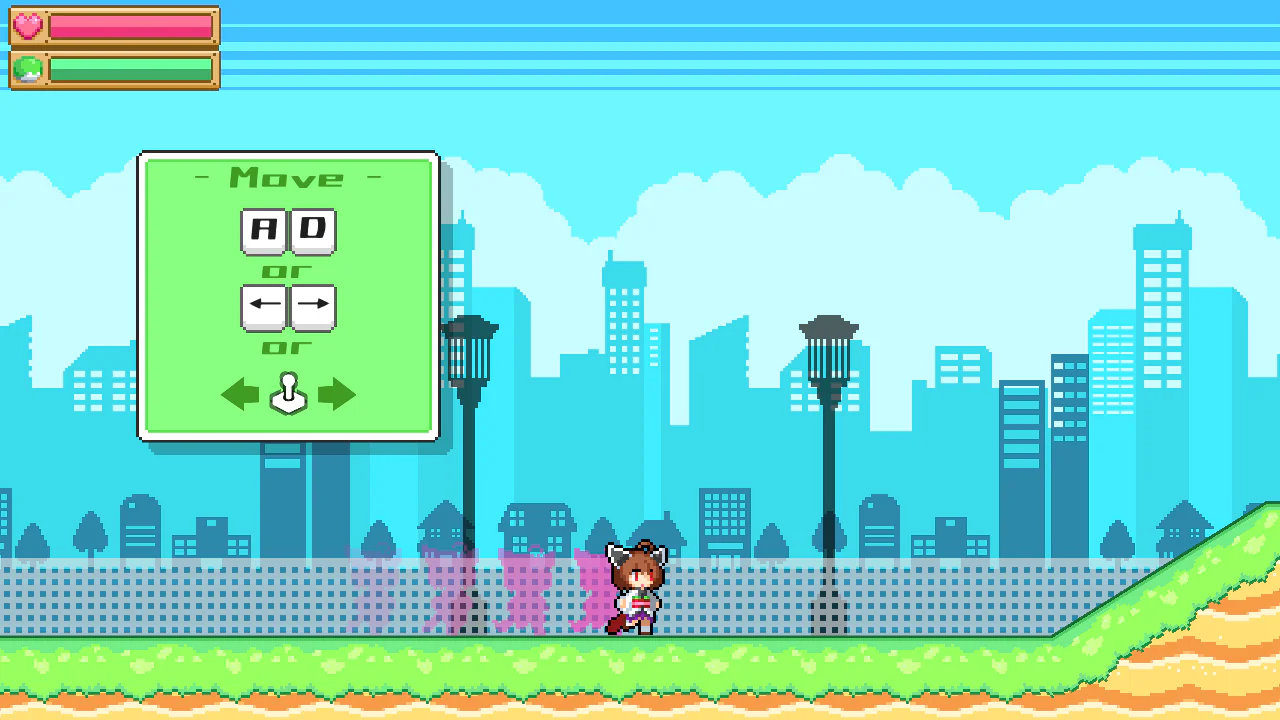
- Move with the left and right arrow keys; hold them to build momentum. Jumping is automatic. In menus, choose with left/right and confirm with Enter.
- Goal
- Cross the platforms to reach your waiting loved one. Start in practice, compare short taps with held inputs and follow the arrows while adjusting your landing point.
ABOUT THE GAME
Add sideways movement to each bounce
Hop never stops jumping. Move left and right to clear gaps and steps, aiming to rescue a loved one. Adjust sideways momentum and landing points as you advance through multiple worlds.
GAMEPLAY
Bounce over steps and gaps
Beyond the small step underfoot lie gaps in the floor. Arrows and diagrams in the practice courses show which direction to take and which obstacles to clear.
Gameplay capture: Yorimichi Playlist editorial team / Created by Asthalis
Automatic jumps, manual sideways movement
The protagonist bounces automatically, leaving sideways movement to the left and right arrow keys. The corresponding mouse buttons can also be used.
Hold a key to build momentum
Alongside short taps, holding a key builds momentum for longer jumps. You can change direction during a jump and adjust sideways movement to match the platforms.
From practice to multiple worlds
The menu offers campaign and practice. Practice courses demonstrate directions and ways to clear obstacles, while the campaign sends you toward rescuing a loved one.
PLAY NOTES
Play notes
- Language
- The display is in English or French. Key diagrams, arrows and character placement show the controls and destinations, so reading text is unnecessary. At startup, press the right arrow to choose English.
- Time and saving
- The creator says exploring all worlds takes several hours. The game has multiple save slots.
- Price and platform
- Play for free in a PC browser. Downloadable versions for Windows, Linux and macOS are also available.
Toward the next platform,
carry the bounce onward.
The official game page and official web version were checked on September 26, 2026. Both images were captured by the editorial team in the official web version. Sources: Creator’s official game page, Creator’s notes on game length and saving
STREAMING INFO
Streaming and video uploads
The official game page checked does not state explicit permission for video uploads, livestreaming or monetization. Check the creator’s latest guidance before streaming.
“Unconfirmed” does not mean streaming is prohibited. We have not confirmed an official policy for the general public.
READER COMMENTS
Comments on Hop! 2D
Share a warm note, a favorite moment, or a gentle tip for the next player.
All language editions share these comments. Comments are shown in their original language.
Loading comments…